
Media Lifecycle Management: Stages, Rules and Workflow

Media lifecycle management is the practice of controlling every media file from the moment it is captured or created until it is archived or deliberately deleted. That covers where it is stored, which version is current, who can see or change it, who approved it, how it is delivered and how long it stays. For a creative team, the simplest way to run it is one workspace where projects, versions, reviews, deadlines and delivery live together. That is how Posthive is built, and it is the reasoning behind this guide.
TL;DR
- Media lifecycle management follows a file through ingest, production, review, delivery and archive, with a clear owner and rule at each stage.
- Production is non-destructive: you create new versions instead of overwriting files, and version history shows how an asset changed.
- Decide access, retention and deletion rules before the project ends, not after the drive fills up.
- Scattered tools break the lifecycle. One workspace for versions, feedback, approvals and delivery keeps the record in one place.
- Posthive gives every plan unlimited free seats, so editors, producers and clients can all work in the same project.
Table of Contents
- What media lifecycle management means
- The stages of the media lifecycle
- What belongs in a lifecycle policy
- Why scattered tools break the lifecycle
- A lifecycle checklist for each type of team
- Perspective
- Running the lifecycle in Posthive
- FAQ
- Sources
What media lifecycle management means
The phrase is used in several ways. Broadcasters use it for the media supply chain. Archivists use it for preservation. Marketing teams use “lifecycle” for something else entirely: customer journeys. This guide is about the production meaning: the life of video, audio, images, transcripts and subtitles inside a creative project.
One classic definition says the content life cycle begins at the moment of image capture and ends when all instances of the content are erased or destroyed, including related database records. Everything between those two points, capture media, storage during production and editorial, playback and long-term retention, determines how simple or complicated your operations are.
That definition is useful because it contains two things most small teams skip: a start that is more than “files arrived” and an end that is more than “we kept everything”. A lifecycle has a beginning, a middle and a planned finish.

How it relates to media asset management
You will see three related terms:
- Digital asset management (DAM) is the broad practice of creating, describing, storing, finding, reusing and preserving digital assets, according to Canada’s heritage information network.
- Media asset management (MAM) is the version for time-based media. IEEE describes it as organizing, storing, retrieving and distributing video, audio and images across production, with frame-accurate logging, proxy rendering and format transcoding and closer integration with editing tools.
- Production asset management (PAM) focuses on media that is still in production: raw, source and finished outputs of active projects.
Media lifecycle management is the umbrella over all three. The asset system is the tool. The lifecycle is the set of decisions you make with it.
The stages of the media lifecycle
Different organizations slice the lifecycle differently. Google Cloud describes four stages: creation, processing and quality checks, editing, and delivery and distribution. The European Broadcasting Union adds a fifth concern at the end, archiving as all the activities that preserve a business object for later use, including moving content from obsolete formats to new ones.
For a creative team, a practical version has six stages.
| Stage | What happens | What goes wrong without a rule |
|---|---|---|
| 1. Ingest | Footage, audio, graphics and client assets arrive and get named and organized | Duplicate uploads, unclear naming, no record of where a file came from |
| 2. Production | Editing, grading, sound, graphics, transcription | Overwritten files, “final_v3_REAL” chaos |
| 3. Review | Internal and client feedback on specific versions | Comments in email and chat, feedback on the wrong cut |
| 4. Approval | A named person signs off a named version | Nobody can prove what was approved |
| 5. Delivery | Masters and deliverables go to the client, with captions and subtitles | Unsecured links, wrong file sent, lost access |
| 6. Archive and disposal | Keep, move or delete according to policy | Drives fill up, or something needed gets deleted |
Stage 1: Ingest
A production lifecycle starts when content enters the workflow. Whether it is shot on location, in a studio or supplied by another organization, each source arrives in its own format, and these must be unpacked and assimilated into a common storage infrastructure that the whole production team can use.
For a small team the lesson is practical: pick one place where project media lives and one naming convention, and do it on day one. Record who supplied what. If a client sends logos, music or interview footage, that material belongs in the same project as your edits, not in someone’s downloads folder.
Stage 2: Production and versioning
Production is where lifecycle management earns its keep. MovieLabs, the research body backed by major studios, notes that production works in a primarily non-destructive workflow: new versions are created rather than files deleted or overwritten. It also points to provenance, the history and origin of an asset and its versions, as what shows where assets came from and how they changed over a production.
In plain terms: never overwrite a cut, and keep a trail. A good version system answers four questions at any moment:
- Which version is current?
- What changed from the one before?
- Who made the change and when?
- Which version did the client see and approve?
If you cannot answer the fourth in under a minute, your lifecycle has a hole. Our post-production workflow guide walks through how teams set this up from first import to final delivery.
Stage 3 and 4: Review and approval
Review is where most version confusion is born. Feedback arrives by email, text, voice note and video call, and each message refers to a cut that may no longer exist. The fix is structural, not a matter of discipline: collect feedback on the version itself, tied to that version, and record the approval against it.
Frost & Sullivan’s analysis of production asset management says that version control, creative collaboration and role-based access ensure proper handling of content through the production cycle, with a non-destructive workflow keeping the source video intact. Role-based access matters in review: an editor can upload, a client can comment and approve, and neither can accidentally remove the other’s work.
Stage 5: Delivery
Delivery is part of the lifecycle, not the end of it. The files you send out are assets too: the master, the web exports, the caption and subtitle files. Each needs the same traceability as the cut it came from. If you deliver in several formats, keep them linked to the approved version. Our guides on secure media delivery, the preview-to-master workflow and agency handoff checklists cover the mechanics. For captions, see subtitle file formats for delivery and transcript translation stages.
Stage 6: Archive and disposal
The last stage is the one most teams leave to chance. Canada’s heritage guidance makes a point that applies directly to creative teams: users are often tempted to treat submitting something to an asset system as archiving it, and the difference must be made clear. A live workspace is not an archive. An archive is a deliberate, separate decision about what to keep, in what form and for how long.
The same guidance recommends that teams define, communicate and periodically review an access-control policy: who can access, edit or delete assets, and what resilience and version control the system must provide.
What belongs in a lifecycle policy
A policy does not need to be long. One page that answers these questions is enough for a freelancer or a ten-person studio.
Ownership and access
Write down who owns each category of asset: raw footage, project files, working exports, final deliverables. Then write who can view, comment, edit and delete each. Clients usually need to view, comment and approve. Editors need to upload and version. Very few people need to delete.
Ownership also has a client side. Agencies and production companies often promise that the client owns the final deliverables and their versions. That promise is easier to keep when the deliverables live in a place the client can access directly, rather than in your personal storage.
Storage and backup
Footage is large. High-resolution formats multiply the problem, so plan storage by project type before you shoot, not after. Our 4K footage storage guide compares three shoot scenarios.
For backup, the archive-grade approach is redundancy plus verification. Eye Filmmuseum in Amsterdam, a working film archive, stores its archival packages on LTO tape in tape robots, formatted in LTFS, an open-standard file system, and accepts data only when it is consistent with its collection policy. Few creative teams run tape robots, but the principle scales down: use open, widely readable formats, and accept into the archive only what you have decided to keep. Our three-copy archiving checklist gives a version sized for production teams.
Retention and deletion
Not everything deserves the same fate. A sensible split:
- Keep long term: original camera files if you own them, final masters, approved deliverables, signed approvals, rights documents.
- Keep for a defined period: project files, intermediate exports, client feedback records.
- Delete when safe: proxies, superseded exports, duplicate transfers.
Aspect, a media technology publisher, makes the same distinction in a September 2026 piece: disposable assets like proxies and superseded exports can be deleted once the sources are safe, but deleting originals, masters or rights-tied materials should trigger a review task rather than silent automation. Whatever tool you use, make deletion of important material a decision with a name on it.
How long to keep client files depends on contracts and your own risk tolerance. Our media retention policy guide lays out how to set periods by file type. If a contract, insurance requirement or legal matter is involved, confirm the period with your lawyer before you delete anything.
Why scattered tools break the lifecycle
Most small teams do not lack a policy so much as a place to apply it. A typical project touches a file-transfer service, a cloud drive, a chat app, a review tool, a task tracker and a calendar. Each holds part of the record. Nobody holds all of it.
Frost & Sullivan observes that integrated lifecycle management pays off by eliminating content silos: organizations often create content from scratch or buy stock without knowing it already existed in-house, and a well-indexed, integrated repository with version control and role-based access reduces search time, lost work and the waste caused by not knowing an asset’s status.
That is the argument for a single workspace. It is not about fewer logins. It is about having one answer to: where is it, which version is it, who approved it, and when is it due.
The same applies to the metadata that makes assets findable later. Canada’s guidance says the way a system supports creating, managing and reusing metadata is the most important factor in how well it serves an organization. For a creative team, useful metadata is modest: project, client, version, status, rights note and delivery date.

A lifecycle checklist for each type of team
Freelancers and individual creators
You are the whole pipeline, so keep it light:
- One project folder structure, identical on every job.
- Version every export. Never overwrite an approved cut.
- Collect client feedback on the version, not in a chat thread.
- Deliver through a controlled link rather than an open one, and keep a record of what you sent.
- Set a retention date at project close and write it in the project notes.
Agencies
Agencies juggle multiple clients and handoffs between creative, production and account teams. Put the approval record next to the asset, give every client a defined view of only their projects, and agree up front which deliverables the client owns. The agency handoff checklist shows what to include in a final package so rework does not follow it.
Production companies
Multiple projects mean the lifecycle has to scale. Standardize stage names and statuses across projects so a producer can read the state of any job at a glance. Track deadlines in the same place as the media, and connect them to the calendar your team already uses. Review your archive policy once a year, which is the periodic review that access and retention policies call for.
Perspective
Most teams we talk about with ask for better storage. What they usually need is a better record.
Storage tells you a file exists. A lifecycle tells you what the file is, what version it belongs to, who has seen it, who signed it off and what happens to it next. That record is what protects you when a client says “I thought we approved the other cut”.
That is why we built Posthive as one workspace rather than another place to park files. Project management, version control, task and deadline tracking, review, client approval and secure delivery sit together, with Google Calendar integration and plugins for non-linear editors so the work and its record stay connected. Clients keep ownership of their deliverables and versions.
We also made seats free on every plan. A lifecycle only works when everyone involved is inside it: the editor, the producer, the client and the person who signs off. Charging per seat pushes people back to email, and email is where lifecycles die.
Lorenz
Running the lifecycle in Posthive
Posthive is a cloud post-production workspace for creative teams, agencies, freelancers and production companies. It brings project management, version control, task and deadline tracking, collaborative review, file storage and sharing, transcription and translation workflows, client feedback and approval tracking, and secure media delivery into one place.
Every plan includes unlimited free seats, so teams and clients get full access without per-editor fees. Paid plans add storage and features: Pro is $49 per month and Enterprise is $99 per month. You can see what each tier includes on the pricing page, or look at the productivity features to see how versions, tasks and calendar fit together.
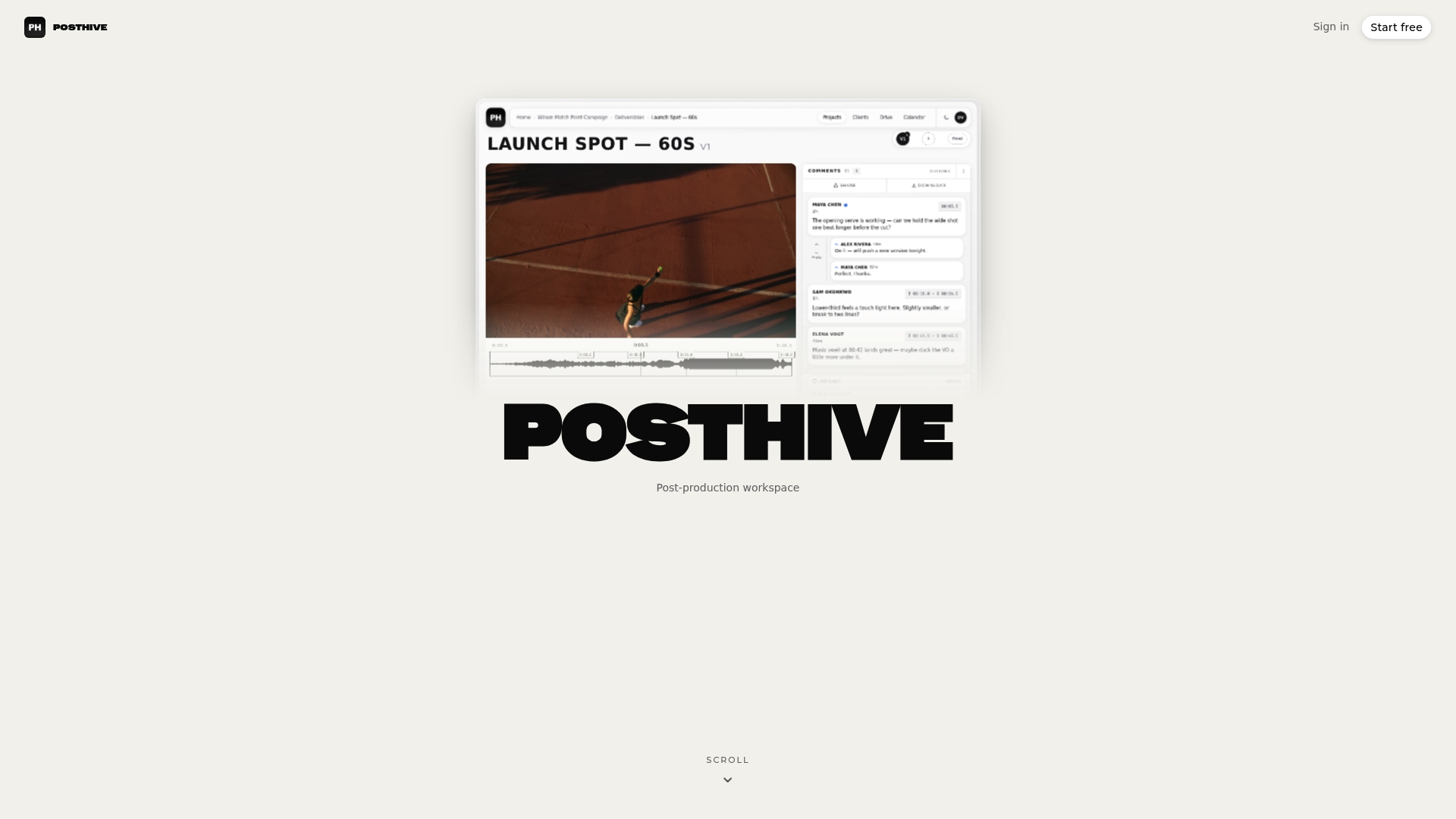
If your current setup spreads one project across five tools, start with a single live project in Posthive and run it through the six stages above.
FAQ
What are the stages of the media lifecycle?
A practical sequence is ingest, production, review, approval, delivery and archive or disposal. Industry models vary: Google Cloud describes four stages, from creation to delivery and distribution, while archive-focused models add preservation at the end. What matters is that each stage has an owner and a rule.
What is the difference between media management and media lifecycle management?
Media management is the day-to-day work of organizing, storing, finding and distributing files. Media lifecycle management adds the time dimension: decisions about how an asset is created, versioned, approved, delivered, kept and eventually retired. Asset systems are the tools, and the lifecycle is the policy you run with them.
How is the digital asset lifecycle different for video?
Video is time-based and large, so it needs frame-accurate review, proxies, transcoding and heavy storage planning. It is also made through many versions, so a non-destructive workflow, where you add versions instead of overwriting, is the norm. Captions and subtitles become assets in their own right.
When can I delete project media?
Proxies and superseded exports can usually go once your source files are safely stored. Originals, masters and anything tied to rights or contracts should be deleted only after a named person reviews the decision. Check any contract or legal retention requirement with your lawyer first.
Do freelancers need lifecycle management?
Yes, in a lighter form. A consistent folder structure, versioned exports, feedback tied to specific versions, controlled delivery and a retention date at project close give a solo creator the same protection a studio gets, with far less overhead.
Sources
- The Content Life Cycle, TV Technology
- SPECTRUM Digital Asset Management, Canada.ca
- Media Asset Management, IEEE Technology Navigator
- Media Management Today, Part 1, Perspective Media Group
- How cloud enables the media supply chain, Google Cloud Blog
- The Digital Media Value Chain, EBU tr041
- Designing MAM Systems: Architecture, The Broadcast Bridge
- Versions in the MovieLabs Ontology for Media Creation
- The Value Proposition of Production Asset Management, Frost & Sullivan
- The digital film archive at Eye Filmmuseum