
Media Retention Policy: How Long to Keep Client Files and Project Media

A media retention policy is a short written rule set that says which project files your team keeps, for how long, who owns them, and how they are deleted when the clock runs out. For a creative team, the practical answer is a tiered schedule: finished masters and deliverables kept longest, working files and versions kept for a short, fixed period, and every period written into the client agreement so nobody guesses later.
This guide walks through how to write that policy for post-production work: what it covers, how to pick retention periods, how to handle versions and backups, and what to check in contracts and privacy rules.
TL;DR
- A retention policy decides how long media is kept and what happens at expiry. Archiving is where inactive files live. Backup is a recovery copy. They are three different jobs.
- Keep masters, final mixes and final graphics longest. Treat editor project files, bins and drafts as short-lived unless your contract says otherwise.
- Write a schedule with categories, triggers (for example project delivery), periods, owners, a legal basis and a disposal method.
- Expired files can linger in backups. Set backup expiry separately and honor legal holds before you delete anything.
- Put retention and deletion terms in the client agreement, not only in an internal document.
Table of Contents
- What a media retention policy actually is
- What your policy should cover
- How long to keep client files
- Building the schedule step by step
- Ownership, access and version control
- Deleting safely: backups, duplicates and legal holds
- Privacy, contracts and different jurisdictions
- Perspective
- Put your policy to work in one workspace
- FAQ
- Sources
What a media retention policy actually is
A data retention policy sets rules for how long information is kept and what happens when the period ends. One compliance guide separates it cleanly from two neighbors: archiving moves inactive information to another storage environment, and backup creates copies for recovery after loss or failure.
The difference matters in a post house or agency because the same drives often serve all three purposes.
- Retention policy: the decision. Keep this for X, then delete or transfer it.
- Archive: the place. Cognisys notes that an archive is a storage location, not a reason to keep data forever, so it still needs an end date.
- Backup: the safety net. Georgia’s state guideline defines backup as copying data for a limited period so it can be restored after loss, and says backups should not be treated as records management unless explicitly designated.
That last point is the one most teams miss. If your “archive” is really last month’s backup, you have no retention policy, only a pile of copies.
Archive retention schedule vs. policy
The policy is the principle; the schedule is the table. California’s State Archives describes a records retention schedule as the plan for maintaining, storing and eventually transferring or destroying records, based on business need or statute. Your policy says why and who decides. Your schedule lists each category and its period.
What your policy should cover
Start with an inventory of what a production actually produces. The Alliance of Information and Communication Editors (AICE) recommends archiving original camera masters, dailies, transfer masters, final audio mixes and splits, final graphics, and high-quality distribution masters. A useful grouping for most teams:
- Source media: camera originals, location audio, licensed footage and stills.
- Intermediate work: project files, bins, sequences, proxies, render caches, drafts.
- Review material: version exports, timestamped comments, approvals and revision notes.
- Deliverables: final masters, textless versions, captions, translations, stems.
- Business records: contracts, releases, licenses, invoices, approval emails.
Who owns intermediate files?
This is a contract question before it is a storage question. AICE says editor project files, bins and versions are often considered property of the editorial facility rather than the client’s archive, so agreements should state whether they belong in the client archive. If your work also touches licensed music, the same clarity applies to rights. Spelling out who holds what, as in music video licensing terms for ready-to-edit assets, saves arguments when a client asks for “everything” two years later.
Write one sentence per category in the agreement: who owns it, who stores it, for how long, and who pays for storage after that.

How long to keep client files
There is no single legal number for creative work. Periods come from three places: what your contract says, what the law requires for specific records (tax, employment, music licenses), and what the business needs to re-deliver or reuse the work. Where nothing requires longer, shorter is safer, because the BBC’s records policy warns that keeping records longer than necessary raises breach and reputational risk and says records should be adequate but not excessive.
A real-world reference point
One US creative agency publishes its approach: project files typically move to cold storage within six weeks and may be removed one year after completion, unless a written agreement sets different retention and deletion terms. That is one company’s practice, not a standard, but it shows the shape: a short hot period, a cold period, a deletion date, and a contract override.
For drafts and working files on shared drives, United Nations records guidance suggests a maximum retention of two years for drafts, working files and informal-folder content. That is a useful ceiling to measure your own working-file period against.

Lifespan vs. permanent material
The American Theatre Archive Project separates lifespan documents, kept for legally determined periods, from non-lifespan archival documents kept permanently according to the organization’s mission. For a production company, final masters of your own productions may be permanent. Client work is usually lifespan: kept for the term you agreed, then released or deleted.
An example schedule to adapt
The periods below are an illustration for you to adjust with your client agreements and legal counsel. They are not legal requirements.
| Category | Trigger | Example period | Disposition |
|---|---|---|---|
| Final masters and deliverables | Final delivery | Per contract, often the longest tier | Hand to client or archive, then delete at end of term |
| Source camera media | Project wrap | Until client confirms masters are safe | Archive copy, then delete |
| Project files, bins, sequences | Final delivery | Short, for example months | Delete unless contract says client owns them |
| Drafts and review versions | Final approval | Short, well under two years | Delete, keep approval record |
| Approvals and client feedback | Final approval | Match contract and records needs | Keep as business record |
| Contracts, releases, licenses | End of contract | Per legal and tax advice | Keep, then destroy securely |
Have your accountant or attorney confirm the periods for contracts, licenses and financial records. They depend on your state and your business.
Building the schedule step by step
Washington State’s rules define a retention schedule as an approved legal document specifying minimum retention periods and disposition authority for a records series. You do not need government-grade paperwork, but the same fields work well.
- List the categories. Use the five groups above, or split them further by client type.
- Name the owner of each. A producer, post supervisor or studio manager, not “the team”.
- Set the trigger. Delivery, approval, contract end or last access. Pick a date the system can record.
- Set the period and the basis. Contract term, legal requirement or business need.
- Choose the disposition. Delete, transfer to the client, or move to long-term archive.
- Define the disposal method. Who deletes, from which systems, and how it is recorded.
- Add legal hold rules. Who can freeze deletion and how it is lifted.
- Review yearly. Check the schedule against what you actually hold.
A compliance guide on retention schedules lists the same core fields: data categories, purposes, systems, triggers and periods, the legal or business basis, owners, legal holds, disposal methods and evidence that the rules were followed. The American Theatre Archive Project adds that the schedule should be built with input from finance, legal counsel and department heads.
Ownership, access and version control
A retention rule only works if you can find the file it applies to. That is where version control and naming discipline pay off. If versions are scattered across drives and email threads, you cannot say what expires when. Our guides on versioning best practices and avoiding lost video versions cover how to keep a clean version history, and organizing media assets covers folder and naming structure.
Your policy should state:
- Owners: AICE recommends assigning information asset owners and managers to oversee schedule compliance and destruction authorization.
- Access: who can view, download, or delete each category, and for how long clients keep access after delivery.
- Integrity: Washington’s rules require electronic records to remain usable, searchable, retrievable and authentic for the whole retention period. For media, that means checking that archived files still open and that codecs or formats are not obsolete.
- Controls: the same rules call for security backups of active records and controls against unauthorized additions, changes or deletions. If you encrypt archives, keep the ability to decrypt for the full period.
- Review records: keep the approval trail, since it shows what the client signed off on.
For storage format, AICE recommends Linear Tape-Open with the Linear Tape File System, noting that LTFS makes archived files accessible without the original creation hardware or software. Whatever medium you choose, the principle is that you can read it at the end of the retention period. See our three-copy archive checklist for a working routine, and the post-production checklist for where archiving fits from ingest onward.
Deleting safely: backups, duplicates and legal holds
Expiry is where most policies fail. Three situations deserve explicit rules.
Backups keep what you deleted
Cognisys warns that expired live files may persist in backups if backup expiry is not configured separately, and says backup retention schedules should be deliberate and documented, subject to legal holds. AICE’s guidance is similar: delete electronic records, including backups, through someone with appropriate system access. Set a backup rotation that is shorter than or matched to your file retention, and write it down.
Duplicates and old versions
Applying schedules to shared drives reduces stored volume and removes outdated or duplicate information, and prepares for migration to another system. For video teams the savings are real, since duplicate exports and render caches are the heaviest items. Our 4K footage storage guide gives a feel for the volumes involved.
Legal holds
A legal hold suspends scheduled deletion when a dispute or investigation is possible. AICE recommends that holds are marked to prevent scheduled destruction, and Georgia’s guideline requires expired electronic records to be disposed of systematically and in a controlled manner, subject to a defined and invoked hold. If a client threatens a claim, talk to your attorney before the next scheduled purge.
Prove it happened
At the end of the period, review the material, destroy it with a method that reflects its sensitivity, and record the decision. The BBC requires evidence of destruction decisions. A one-line log entry (what, when, who approved, which systems) is enough for a small team.
Privacy, contracts and different jurisdictions
Media often contains personal data: faces, voices, interview subjects, addresses on call sheets. Privacy regimes generally expect retention to have a purpose. Dubai’s DIFC guidance, for instance, says personal data should not be kept merely for possible future use; it must tie to an actual purpose or a specific foreseeable contingency. That is one jurisdiction’s rule, so check the law that applies where you and your subjects are.
In practice:
- Put retention and deletion terms into every client agreement and talent release.
- Keep different rules for different regions if you work internationally.
- Ask your attorney about sector rules if you handle health, education or government footage.
- Secure what you hold. Our media file security guide walks through checks a team can run in an afternoon.
Perspective
We see the same pattern in nearly every production team: the retention policy exists in someone’s head, and the files exist in six places.
Our view is that retention should be a property of the project, not a separate chore. When versions, review comments, approvals and deliverables live in one workspace, the trigger for every rule is already recorded: the delivery date, the approval, the last activity. That is why we built Posthive around client ownership of deliverables and clear version control, so your team and your client can both see what exists and what is meant to stay.
We also think the cost of tracking retention should never scale with headcount. Every Posthive plan includes unlimited free seats, so producers, editors and clients can all be in the workspace instead of passing files around outside it.
Write the policy short, put the periods in the contract, and let the workspace do the remembering.
Lorenz
Put your policy to work in one workspace
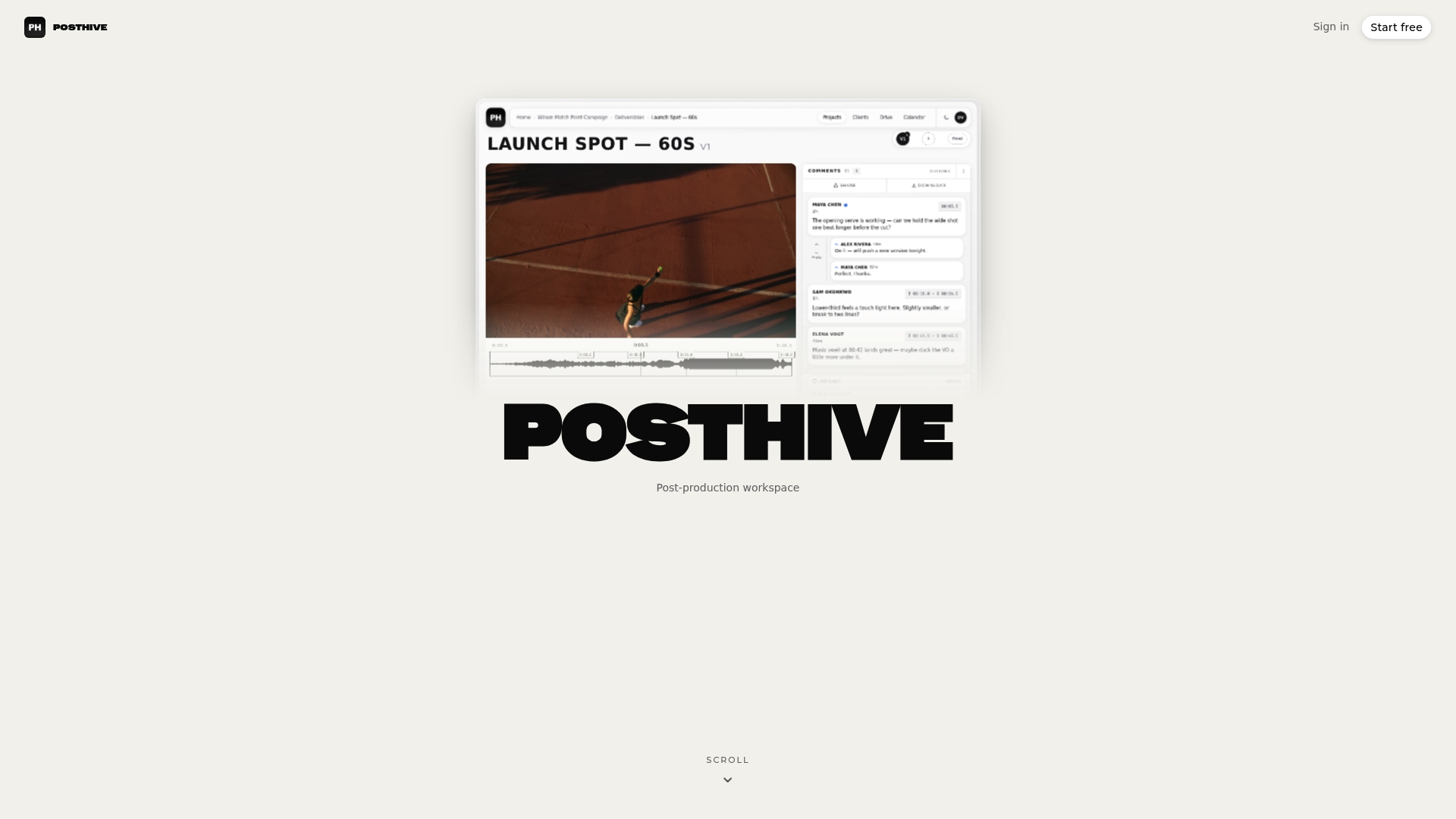
Posthive is a cloud post-production workspace that brings project management, version control, task and deadline tracking, review and approval tracking, file storage and secure media delivery into one place. Every plan has unlimited free seats, so your whole team and your clients can be involved without per-editor fees.
There is a free plan to start with, and paid plans are Pro at $49 per month and Enterprise at $99 per month, with different storage and feature tiers. If you are ready to set up projects with delivery and approval history in one place, start at posthive.app.
FAQ
How long should I keep client files?
Keep them for the period your agreement states, and write that period into every contract. One US agency publishes a pattern of cold storage within six weeks and removal a year after completion, unless a written agreement says otherwise. Have your attorney or accountant confirm periods for contracts, licenses and financial records.
Is a backup the same as an archive?
No. A backup is a recovery copy kept for a limited period, while an archive is a long-term home for inactive files. Georgia’s state guideline says backups should not be treated as records management unless explicitly designated. Give each its own schedule.
Who owns project files and versions, the editor or the client?
That depends on your contract. AICE says editor project files, bins and versions are often treated as the editorial facility’s property rather than part of the client archive. State in the agreement which intermediate materials go to the client and which are deleted.
What should I do when a retention period ends?
Review the material, check for legal holds, then delete or transfer it using a method that suits its sensitivity. Remember backups and duplicate copies, and log the decision so you can show it was made on purpose.
Sources
- Data Retention Policy: What It Is, Legal Requirements and Best Practices
- Chapter 6 - Records Retention Schedule, California State Archives
- Retention of Data Backup Media and Records Management Media, Georgia Technology Authority
- What is a data retention policy? Cognisys
- Archiving and Data Protection, AICE
- BBC Records Management Corporate Policy
- Osborne Media FAQ
- Managing Electronic Information and Records in Shared Drives, United Nations
- Preserving Theatrical Legacy, American Theatre Archive Project
- Chapter 434-662 WAC, Washington State
- Guidance on Retention and Storage of Personal Data, DIFC